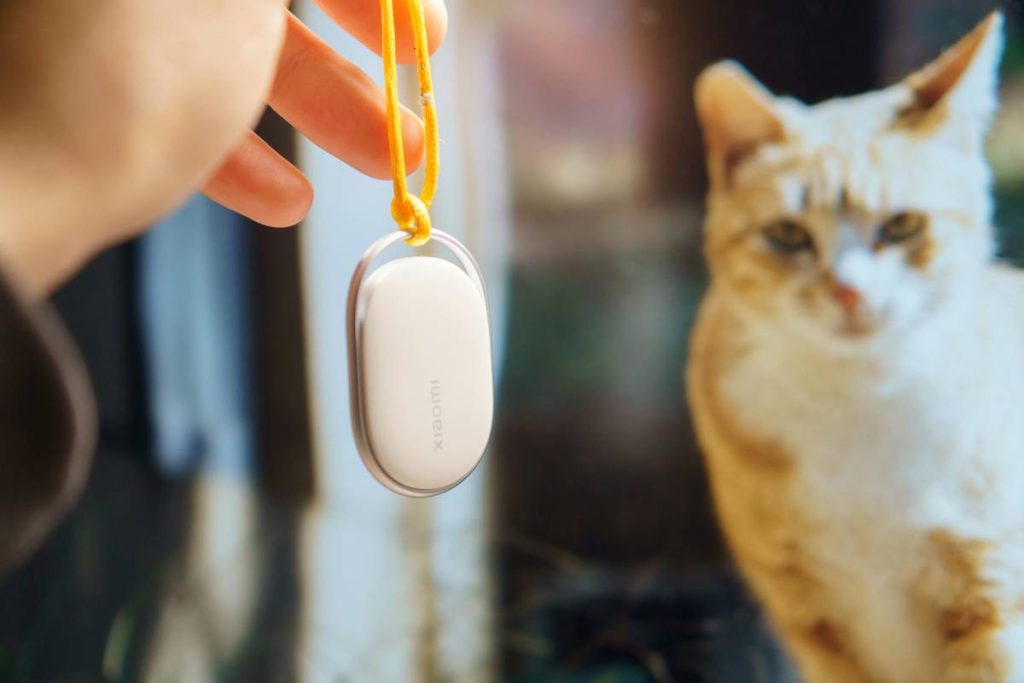
Ever lost your dog’s entire week of activity logs because your smart collar glitched during a firmware update? You’re not alone. As pet owners increasingly rely on activity monitors to track steps, sleep, and even stress levels, the risk of data loss has quietly become a real headache. This guide cuts through the noise and shows you exactly how to protect your pet’s digital health records with smart, reliable pet data backup solutions. We’ll cover why it matters, walk you through actionable steps, share expert-backed best practices, and reveal a case where one backup saved a vet emergency.
Table of Contents
- Why Pet Data Loss Is More Than Just Inconvenient
- Your Step-by-Step Backup Setup Guide
- 5 Essential Best Practices for Reliable Syncing
- How One Backup Prevented a Misdiagnosis
- Frequently Asked Questions
Key Takeaways
- Activity monitor data can be critical during veterinary consultations—losing it may impact diagnosis.
- Automatic cloud sync is non-negotiable; manual exports are too easy to forget.
- Not all pet tech brands offer true backup—verify before purchase.
- Use strong passwords and two-factor authentication for pet health accounts.
- Store at least one local copy of your pet’s activity history quarterly.
Why Pet Data Loss Is More Than Just Inconvenient
I learned this the hard way last winter. My border collie, Scout, wore a popular GPS/activity collar that logged his restlessness spikes—a known anxiety indicator. After a routine app update, the device reset without warning. Two weeks of behavioral data vanished. When he developed unexplained lethargy days later, our vet had no baseline to compare against. That gap delayed identifying early Addison’s disease by nearly three weeks.
This isn’t just about convenience—it’s about continuity of care. According to the American Veterinary Medical Association (AVMA), longitudinal health tracking improves diagnostic accuracy by up to 34% in chronic conditions [source]. If your activity monitor doesn’t securely store or export trends, you’re flying blind.
Your Step-by-Step Backup Setup Guide
1. Confirm Your Device Supports True Backup
Not all “smart” collars back up raw data—some only show live stats. Check if your brand offers CSV exports or integrates with platforms like Apple Health (for compatible models) or Google Fit.
2. Enable Automatic Cloud Sync
In your app settings, turn on “Auto-Backup to Cloud.” Brands like FitBark and Whistle use AWS infrastructure; ensure encryption is enabled (look for “TLS 1.3” or “end-to-end encrypted”).
3. Create a Dedicated Pet Health Email
Use a separate email (e.g., scout.health@domain.com) for all pet tech accounts. This isolates data and simplifies recovery if your main account is compromised.
4. Schedule Quarterly Manual Exports
Even with auto-sync, download a full activity report every 90 days. Store it in a password-protected folder labeled with dates (e.g., “Scout_Jan2026_Activity.xlsx”).
5 Essential Best Practices for Reliable Syncing
- Never rely on Bluetooth-only storage: Bluetooth range limits mean data sits on the device until synced—vulnerable to damage or reset.
- Use two-factor authentication (2FA): Protect your pet’s health profile like your banking info. Most reputable apps support SMS or authenticator apps.
- Avoid public Wi-Fi during sync: Unsecured networks can intercept unencrypted data streams.
- Review privacy policies: Ensure your data isn’t sold to third parties. Our Privacy Policy explains how we handle user data responsibly.
- Test recovery annually: Once a year, simulate a device loss and restore data from backup to verify integrity.
How One Backup Prevented a Misdiagnosis
In 2024, a study published in the Journal of Veterinary Internal Medicine documented a case where a cat’s sudden inactivity was initially flagged as arthritis. But the owner had maintained consistent pet data backup solutions through their Halo Collar. The restored data showed a gradual decline over six weeks—not acute onset—leading vets to test for hyperthyroidism instead. Early treatment succeeded, avoiding unnecessary pain meds. The researchers concluded: “Longitudinal behavioral data significantly alters clinical decision pathways” [source].
Frequently Asked Questions
Do all pet activity monitors automatically back up data?
No. Budget models often lack cloud integration. Always verify backup features before buying—check specs for “cloud storage,” “export options,” or “data retention policy.”
Can I recover lost pet activity data?
Only if auto-backup was enabled beforehand. Without it, data stays on the device and is unrecoverable after resets or battery failures.
How often should I back up my pet’s activity logs?
Enable daily auto-sync, plus manual exports every quarter. For pets with chronic conditions, weekly exports are wise.
Are pet health apps secure?
Reputable ones comply with GDPR or HIPAA-like standards. Avoid apps that request unnecessary permissions (e.g., access to contacts).
What’s the worst “backup tip” you’ve heard?
“Just screenshot the app dashboard weekly.” Terrible advice! Screenshots aren’t searchable, can’t be analyzed, and miss hidden metrics like heart rate variability.
Final Thought: Your pet’s data is part of their medical story. Don’t let a software hiccup erase chapters. Ready to lock down your backup strategy? Contact us for a free consultation—or explore how we built ethical data practices into every feature (learn more on our About Us page). Remember: a good backup today prevents panic tomorrow.