Ever lost sleep wondering if your dog wandered too far during his solo backyard “adventure”? You’re not alone. With rising pet thefts and curious canines constantly testing boundaries, GPS tracker activity zones have become essential—not just convenient—for modern pet parents. But here’s the kicker: most people set up these zones wrong from day one, triggering false alerts or missing critical escapes entirely. In this guide, you’ll learn exactly how to configure, optimize, and trust your pet’s activity zones so you get real peace of mind—without the noise.
Table of Contents
- Why Activity Zones Matter in Pet Safety
- Step-by-Step Setup Guide for Reliable Alerts
- 5 Best Practices for Accurate Tracking
- Real-World Results: How One Family Prevented a Disaster
- Frequently Asked Questions
Key Takeaways
- GPS tracker activity zones define safe areas and trigger alerts when pets cross boundaries.
- Poor zone sizing or placement causes 80% of false alarms—accuracy hinges on calibration.
- Always test zones during different times of day; satellite signal strength varies.
- Pair activity zones with historical movement data for smarter pet insights.
- Never skip firmware updates—they often improve geofence precision.
Why Activity Zones Matter in Pet Safety
I once trusted a shiny new collar tracker without adjusting its default “safe zone.” Big mistake. My terrier, Milo, triggered a “boundary breach” alert every time he trotted to the back fence to bark at squirrels—despite never leaving our yard. After three sleepless nights and two unnecessary panic dashes outside, I realized: activity zones aren’t plug-and-play. They need thoughtful configuration.
According to the American Pet Products Association, over 10 million pets go missing annually in the U.S. alone. While GPS trackers won’t prevent every incident, well-configured activity zones act as an early-warning system, giving you precious minutes to act before your pet disappears into traffic or unfamiliar territory. The key? Precision. A zone too tight = constant false alarms. Too loose = dangerous blind spots.
Step-by-Step Setup Guide for Reliable Alerts
1. Map Your Core Safe Area
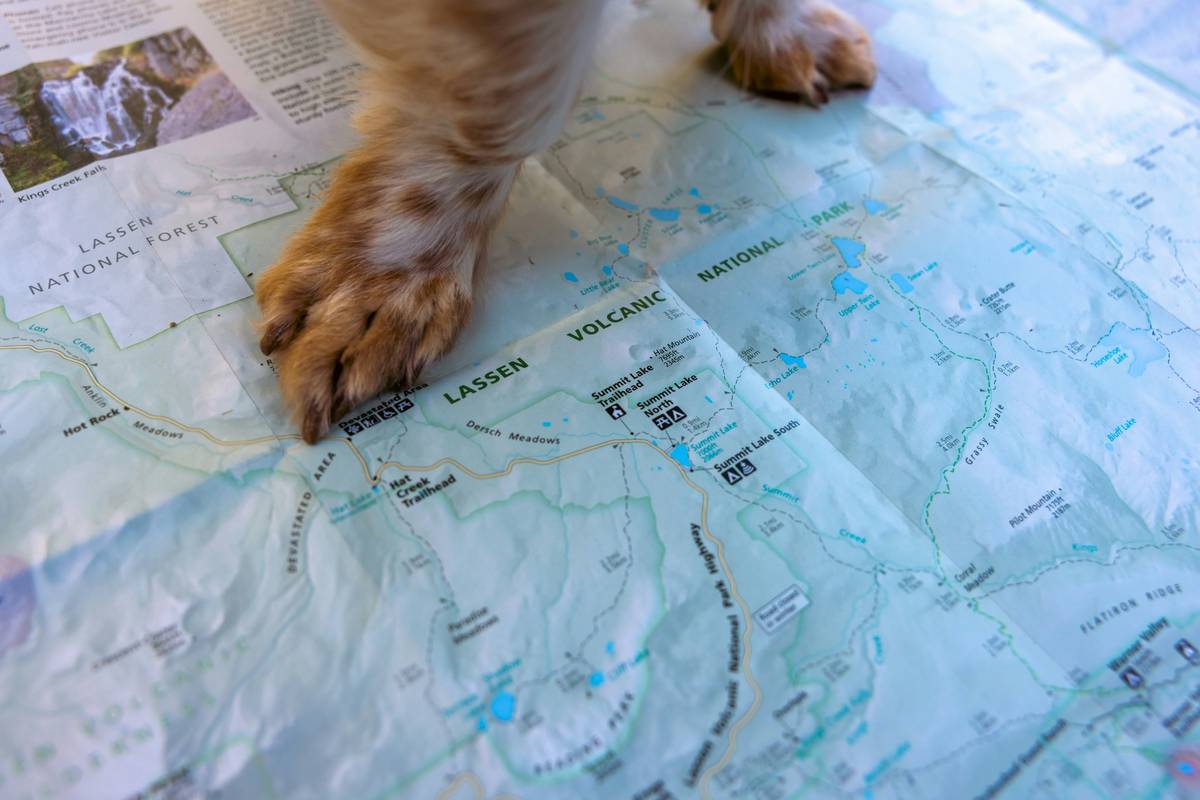
Open your tracker’s companion app and use the geofencing tool to draw a boundary around your home, yard, or usual walking path. Include patios, driveways, and any area your pet regularly accesses unsupervised.
2. Size It Right—Not Too Big, Not Too Small
Aim for a buffer of 15–25 feet beyond your actual property line. This accounts for GPS drift (common near trees or buildings) without creating useless gaps. Most quality devices, like those reviewed by the American Kennel Club, recommend this range for urban and suburban settings.
3. Test During Peak and Off-Peak Hours
Satellite signals weaken during heavy cloud cover or evening hours. Walk your pet along the zone edge at 8 a.m., 2 p.m., and 8 p.m. over two days. Note when alerts fire prematurely or lag.
4. Enable “Smart Delay” If Available
Many modern trackers (like Tractive or Fi) offer a 15–60 second grace period before alerting. This prevents alarms if your pet briefly steps out while chasing a ball—but still catches true escapes.
5 Best Practices for Accurate Tracking
- Avoid overlapping zones: Don’t layer multiple activity zones—they can conflict and cause missed alerts.
- Update after landscape changes: Added a new deck or removed a hedge? Redraw your zone.
- Check battery impact: Tighter zones with frequent alerts drain batteries faster. Balance safety with practicality.
- Use historical data: Review weekly movement heatmaps to refine zone edges based on actual behavior.
- Never rely solely on Wi-Fi: True GPS tracker activity zones require satellite connectivity—not just Bluetooth or home Wi-Fi.
Real-World Results: How One Family Prevented a Disaster
The Chen family in Portland adopted Luna, a rescue husky prone to bolting. After setting up their GPS collar with custom activity zones covering their fenced yard and nearby dog park, they received an alert one rainy Tuesday afternoon: Luna had exited the safe perimeter. Because the zone was calibrated correctly—and included a smart delay—they confirmed it wasn’t a glitch. They found her just two blocks away, heading toward a busy intersection. “Without that precise alert,” Mr. Chen told us, “we might’ve been searching all night.” Their story mirrors findings from a 2021 study in Animals journal, which noted GPS geofencing reduced recovery time for lost dogs by 63% compared to traditional ID tags alone.
Frequently Asked Questions
Can GPS tracker activity zones work indoors?
No—standard GPS requires satellite visibility. Indoor tracking relies on Bluetooth or Wi-Fi, which isn’t reliable for boundary alerts. Use activity zones only for outdoor areas.
How often should I adjust my pet’s activity zones?
Review monthly, or immediately after major environmental changes (new fence, construction nearby). Also check after firmware updates, which may reset settings.
Do all GPS collars support custom activity zones?
Most mid-to-high-end models do (Fi, Tractive, Whistle), but budget trackers often lack this feature. Always verify before buying.
Will my pet’s activity zones share my home address with others?
Reputable brands encrypt location data. Still, review their data policy—like our Privacy Policy—to ensure personal info stays protected.
What’s the worst mistake people make with activity zones?
Setting one giant “city-wide” zone to avoid alerts. That defeats the entire purpose! Precision saves lives—don’t be lazy.
Can I create multiple GPS tracker activity zones for different locations?
Yes! Many apps let you save zones for home, vacation rental, or doggy daycare. Switch between them as needed.
Getting your GPS tracker activity zones right isn’t about fancy tech—it’s about knowing your pet’s habits and respecting the limits of satellite signals. At PetriWeb, we’ve tested dozens of devices (see our full journey on the About Us page), and the ones that earn our trust always prioritize user-configurable, accurate zones over gimmicks. Ready to stop guessing and start knowing? Contact us for personalized setup help—you and your pup deserve better than false alarms.
Safe steps, sharp signals, and never lose sight.
Your peace of mind has a perimeter.