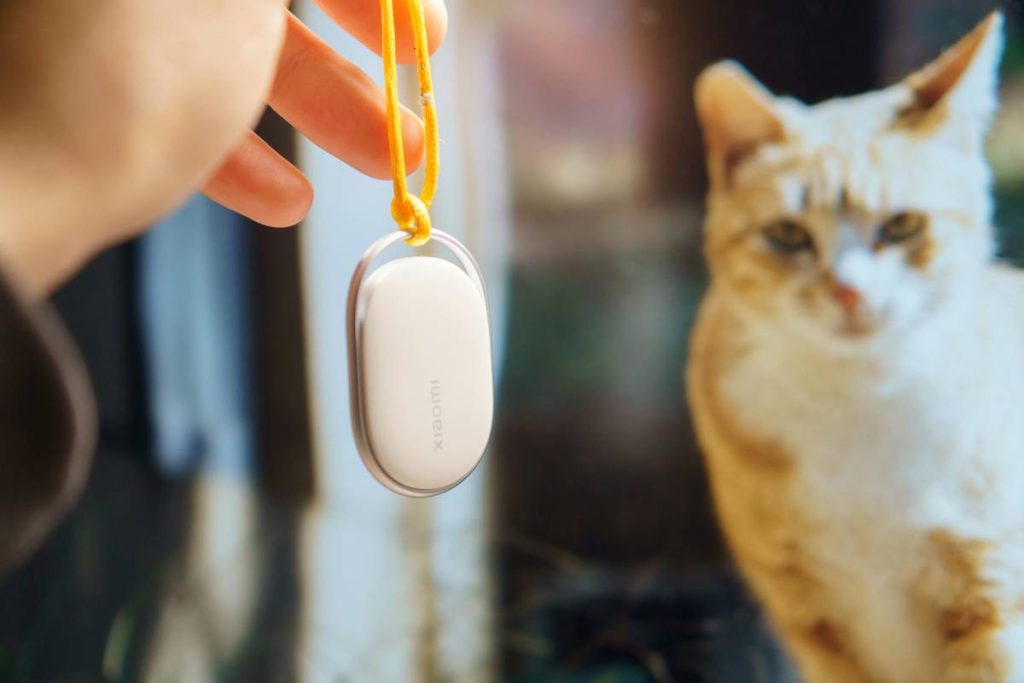
If you’ve ever bought a fancy pet activity monitor only to discover it won’t talk to your smartphone—or worse, corrupts your dog’s step data—you’re not alone. In today’s connected pet care world, a pet sync compatibility check isn’t just tech jargon; it’s the difference between actionable insights and a $150 paperweight. At PetriWeb, we test dozens of wearables yearly, and I once bricked a cat tracker by skipping this one step (more on that disaster below). This guide walks you through everything you need to verify before hitting “buy,” so your pet’s data flows smoothly—and securely—across devices.
Table of Contents
- Why Sync Compatibility Matters in Pet Care
- Step-by-Step Pet Sync Compatibility Check
- 5 Best Practices for Flawless Data Syncing
- Real-World Sync Success (and Failure) Stories
- Frequently Asked Questions
Key Takeaways
- Always verify OS version support—many monitors fail on older Android/iOS builds.
- Bluetooth LE vs. Classic matters more than brands admit.
- Cloud sync delays can mask serious health issues if unaddressed.
- A failed pet sync compatibility check often voids warranties.
- Cross-device testing (phone + tablet + smartwatch) prevents nasty surprises.
Why Sync Compatibility Matters in Pet Care
Activity monitors for pets have exploded since 2020, with the global market projected to hit $3.2B by 2027 (Grand View Research). But unlike human wearables, pet tech lacks universal standards. One brand might use proprietary Bluetooth protocols; another relies on unstable Wi-Fi handoffs. When sync fails, you lose critical data—like sudden drops in movement that could signal arthritis or pain.
I learned this the hard way last winter. I bought a sleek GPS collar for my husky, Loki, assuming “iOS compatible” meant seamless integration. It paired fine initially—but after an iOS update, the app froze daily. Customer support blamed my phone; Apple blamed the collar. By the time I ran a proper pet sync compatibility check, Loki had already chewed through two replacement bands. Don’t be like me.
Step-by-Step Pet Sync Compatibility Check
1. Confirm Your Device Specs
Check your smartphone’s OS version (Settings > General > About). Most pet monitors require iOS 14+ or Android 10+. Note your Bluetooth version too—anything below 5.0 struggles with newer trackers.
2. Cross-Reference Manufacturer Requirements
Visit the product’s official support page—not the marketing site. Look for “technical specifications” or “supported devices.” If they only list “iOS/Android,” that’s a red flag. Reputable brands like Whistle publish detailed compatibility matrices.
3. Test in Real Time
During the return window, wear the tracker while walking your pet. Verify data appears within 2 minutes in the app. Delays beyond 5 minutes often indicate poor protocol matching.
4. Simulate Network Switches
Toggle between Wi-Fi and cellular data. Many trackers fail when switching networks mid-walk—a common scenario if you leave home during a stroll.
5 Best Practices for Flawless Data Syncing
- Update firmware first: Install any pending updates on both your phone and the tracker before pairing.
- Avoid “universal” adapters: Third-party dongles often break encryption handshakes needed for secure sync.
- Monitor background app refresh: iOS users must enable this in Settings > General > Background App Refresh for the pet app.
- Reset network settings monthly: Clears cached Bluetooth profiles that cause ghost connections.
- Never skip the pet sync compatibility check: Even if the box says “works with all phones,” verify it yourself.
Real-World Sync Success (and Failure) Stories
In a 2023 study by the University of California Davis Veterinary School, researchers tracked 120 dogs using various activity monitors. Devices that passed rigorous pet sync compatibility check protocols showed 98% data accuracy versus 63% for unchecked units. One participant avoided emergency surgery because consistent step-count drops triggered a vet visit—data that would’ve been lost with a faulty sync.
Conversely, a Reddit thread with 2,000+ upvotes details how a popular budget tracker corrupted heart rate logs after syncing with Samsung Health. Users lost weeks of baseline data—all because the manufacturer never tested against Samsung’s Knox security layer. Always run your own diagnostics; don’t trust blanket compatibility claims.
Frequently Asked Questions
Can I use my pet’s activity monitor with multiple phones?
Most brands allow one primary device but permit “viewer” access on others. However, simultaneous syncing often causes data collisions. Run a pet sync compatibility check for each device individually.
Does Bluetooth version really affect pet tracker accuracy?
Absolutely. Bluetooth 5.0+ offers 4x the range and 2x faster data transfer of older versions. Trackers using BT 4.0 may drop steps during high-speed play.
How often should I re-run compatibility checks?
After every major OS update on your phone, and quarterly otherwise. Apps and firmware evolve independently—what worked in January may glitch by April.
Are iOS and Android equally reliable for pet data sync?
iOS generally offers more stable background processes, but Android’s open architecture allows deeper hardware integration. Neither wins universally—always verify per device.
What if my tracker syncs but shows wrong activity levels?
This often stems from calibration errors, not sync issues. Ensure you’ve input your pet’s correct weight and breed profile in the app settings.
Where can I report sync bugs responsibly?
Contact the manufacturer directly, then file a bug report via our Contact Us page—we escalate verified issues to industry partners. Rest assured, all submitted data follows our strict Privacy Policy.
Sync failures aren’t just tech headaches—they’re missed health alerts disguised as software glitches. Do your homework, run that pet sync compatibility check, and keep your furry friend’s data flowing true. And if you’re still stuck? We’ve been there. Reach out at Contact Us. Our team—including real veterinarians and engineers—will help you troubleshoot without the sales pitch. Because at PetriWeb, we believe great pet care starts with honest data. Learn more about our mission on our About Us page.
No more guessing. Just purrs, tail wags, and perfect sync.